Introduction
As businesses and individuals increasingly rely on mobile and online solutions, the demand for functionality and security on mobile proxies grows. One significant aspect of mobile proxies is their ability to support Secure Hypertext Transfer Protocol (HTTPS). In this article, you’ll learn what HTTPS support means for mobile proxies, how it works, practical applications, and considerations for privacy and legal issues.
What It Means / How It Works
HTTPS is an extension of HTTP that uses encryption to provide a secure communication channel over a computer network. This means any data exchanged between the user and the web server is encrypted, making it difficult for third parties to intercept.
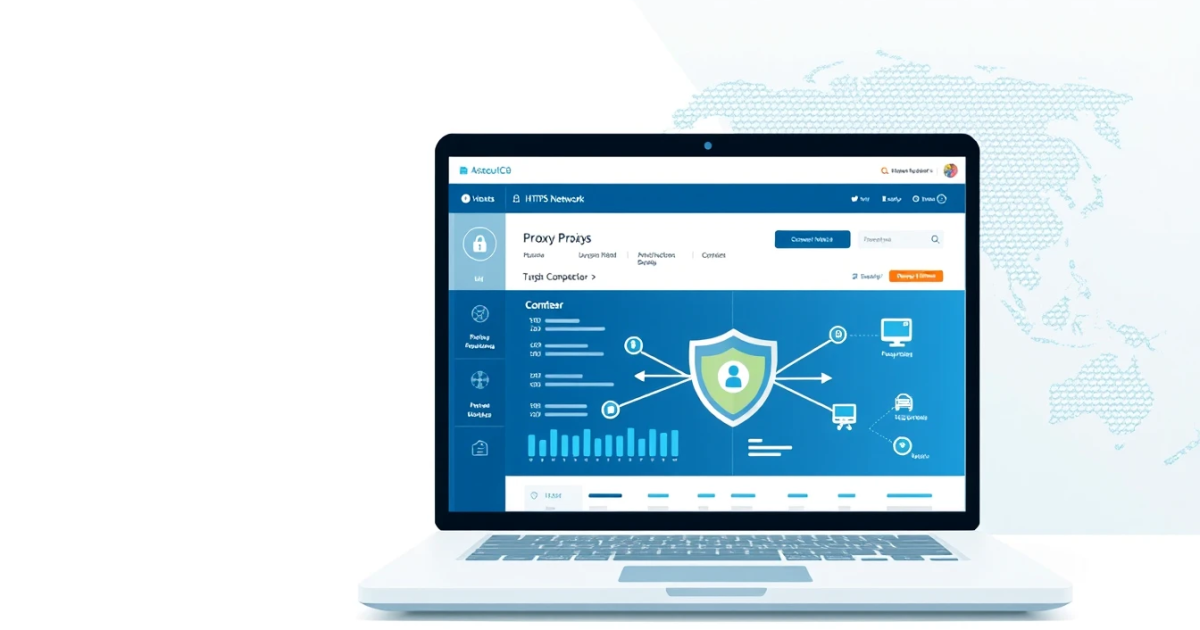
Mobile proxies act as intermediaries between your device and the internet. Essentially, they route your requests through mobile IP addresses, which are assigned to mobile devices by mobile service providers. When using a mobile proxy that supports HTTPS, your internet traffic is encrypted, ensuring your information remains private even if you're connecting via unsecured networks.
Practical Scenarios
Here are some typical use cases where HTTPS support for mobile proxies becomes particularly useful:
- Bypassing GEO-blocking: Access content that is restricted to specific locations by running your requests through IP addresses from those regions.
- Web scraping: Ensure that data scraping activities are executed securely and efficiently, reducing the likelihood of IP bans.
- Social media management: Manage multiple accounts safely without exposing your real location.
- Market research: Collect data from competitors’ sites without revealing your source’s identity.
- Ad verification: Validate ad placements through mobile devices while using secured connections.
- Testing apps and websites: Simulate real user experiences in various locations with secure access.
- Data collection for analysts: Gather sensitive information while maintaining privacy and anonymity.
- Personal security: Safeguard personal data when using public Wi-Fi networks.
- Bypassing content bans: Access blocked services while remaining anonymous to your internet service provider.
- Improving digital marketing strategies: Implement targeted marketing by examining your reach and competitors in different locales.
Step-by-Step
Using HTTPS supported mobile proxies typically involves the following steps:
- Go to PinkProxies and create an account, or log in if you already have one.
- Select “Mobile Proxies” from the available services.
- Make sure to mark or select an option for HTTPS support if prompted.
- Choose the desired location for your mobile IP.
- Copy and save your proxy details, including the IP address and authentication information.
- Configure your web browser or the software you plan to use; input the proxy details in the network settings.
- Perform a speed test to ensure your connection is stable, then begin your online activities.
Safety / Privacy / Legal
The usage of HTTPS supports enhanced security and privacy, but it's essential to recognize some critical points:
- Potential Malpractice: While HTTPS provides encryption, it does not justify using proxies for harmful or illegal activities. Users must always comply with local laws.
- Privacy Limitations: HTTPS should keep your data encrypted; however, some websites may still track activity through cookies and other means.
- Terms of Service: Always familiarize yourself with the terms of service of apps and sites you are accessing, to ensure you’re compliant.
- Choosing Reputable Providers: Ensure your proxy provider adheres to ethical practices. Providers like PinkProxies are known for being reliable and secure.
Best Alternatives
For those who are exploring other options for mobile proxies, consider the following alternatives:
- Data Center Proxies: Typically affordably priced and quicker but may lack the legitimacy residential IPs offer.
- Residential Proxies: Assigned by ISPs to consumers, providing a legitimate user’s fingerprint, ideal for avoiding bot protection measures.
- ISP Proxies: These proxies combine the stability of data center proxies with the reputation of ISP-provided IPs, ideal for various tasks.
- Rotating Proxies: Offer multiple IPs and can automatically switch as needed, providing better anonymity.
If you're looking for dependable mobile proxies with HTTPS support, consider options from PinkProxies where you can find various proxy types suitable for different contexts.
Frequently Asked Questions
Q: What are mobile proxies?
A: Mobile proxies route traffic through real mobile devices, granting the user a mobile IP address. They are often used for their unique advantages in geolocation and privacy.
Q: How do I know if my mobile proxy supports HTTPS?
A: Check the specifications provided by your proxy provider to confirm that HTTPS is included as an option with their mobile proxies.
Q: Why is HTTPS important for mobile proxies?
A: HTTPS encrypts data exchanged between your device and the sites accessed through the proxy, enhancing privacy and security during your online activities.
Q: Can I use mobile proxies for web scraping?
A: Yes, mobile proxies are often utilized for web scraping due to their manageable bandwidth and reliability in appearing as regular user traffic.
Q: Are there risks associated with using mobile proxies?
A: Yes, mobile proxies can expose you to risks if misused. It’s crucial to follow ethical practices and abide by relevant laws in the jurisdictions you operate.
Q: Is it better to use mobile proxies over residential proxies?
A: It depends on your needs. Mobile proxies are often viewed as less likely to be blocked due to appearing as real user traffic, while residential proxies cost more but provide lasting legitimacy.
Q: Should I use a specific provider for mobile proxies?
A: While there are various options, always choose reputable providers who maintain strict privacy. Look for companies with transparent policies like PinkProxies.
Q: Do I need to configure settings for mobile proxies?
A: Yes, some configurations may be required in your browser or software settings to ensure proper connection and functionality of the proxy.
Q: Should I use HTTPS proxies for public Wi-Fi?
A: Yes, using HTTPS proxies can enhance your privacy and protect your data when connected to unsecured public Wi-Fi networks.
Q: How do rotating mobile proxies help with anonymity?
A: Rotating mobile proxies automatically switch IP addresses to avoid bans, making your browsing behavior less noticeable and reducing the chances of detection.
Conclusion
Using HTTPS supported mobile proxies allows users to browse securely and perform various tasks that outweigh the potential risks present without such technology. Whether you seek anonymity for browsing, secure data scraping, or market research, HTTPS mobile proxies provide effective solutions. For those eager to explore this technology, checking out services like PinkProxies may be the right first step.
