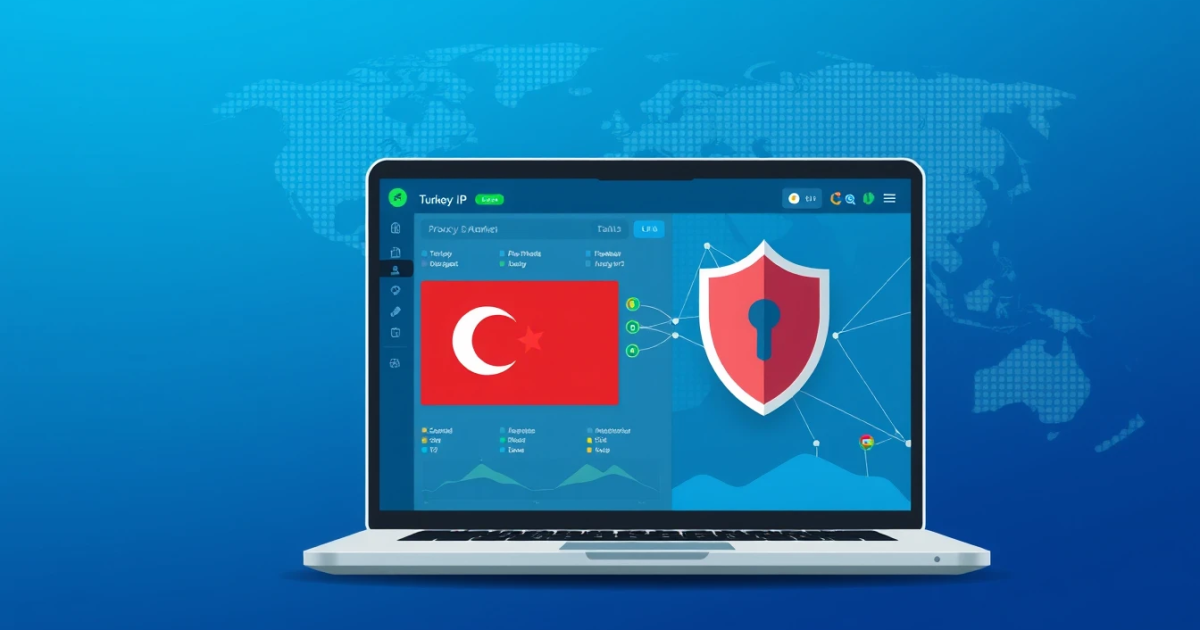
To get a Turkey IP address on Android, you'll need to use a reliable proxy service or VPN that offers Turkish IPs. This can be done easily by choosing a reputable proxy provider, setting up your device, and ensuring the connection is established. Here’s how you can do it step-by-step.
Setting Up a Turkish IP on Your Android Device
If you want to access content restricted to Turkey or ensure your online activities appear to originate from Turkey, follow these steps:
What You Need
- Access to a proxy service or VPN that provides Turkish IP addresses.
- A stable internet connection.
- Android device (phone or tablet).
Step-by-step Guide
- Choose a proxy service or VPN that offers Turkish IPs. PinkProxies is a good choice, offering a variety of proxy types.
- Sign up or log in to your account with the proxy service you're using.
- Select the plan that best fits your needs. For instance, if you require a Turkish residential IP, pick one of their residential proxy plans.
- If using a VPN, download the Android app from the Google Play Store. For proxy connections, note any necessary username and password.
- Open the VPN or enter the proxy settings directly through your Android device settings. For a VPN, connect to a server within Turkey; for proxies, configure your connection in the 'Network' settings.
- Ensure that data from the proxy service is being routed correctly to your device (you might see an indicator showing that you're connected).
- Test the connection by visiting a site that recognizes your IP address, such as WhatIsMyIPAddress.com to confirm that your IP shows as coming from Turkey.
How to Confirm It Works
After establishing the proxy connection, visit an IP checker site to verify that your new IP address reflects a Turkish location. A simple refresh can provide this confirmation.
Common Mistakes
- Incorrect Configuration: Double-check your settings in both VPN and proxy fields.
- Poor Connection: Ensure your internet connection is stable, as fluctuating connectivity can disrupt the proxy service.
- Selected IP Availability: Sometimes, specific IPs may be down. Ensure you’re using a service that updates and maintains its IP pools.
Troubleshooting Common Connectivity Errors
If you're experiencing issues connecting to a Turkish IP, here's a breakdown of potential problems and how to address them.
What the Error Means
Error messages can indicate configuration issues or connection problems. Common messages may include "Connection Failed" or "Could not connect to the proxy server".
Causes and Fixes
- Incorrect Credentials: Ensure you're entering the right username and password for your proxy or VPN service. Try re-entering your credentials.
- Proxy Not Accessible: If the server you selected is down or blacklisted, try switching to another Turkish IP through the dashboard or app.
- Network Restrictions: Some networks restrict VPN or proxy usage. Try connecting over a different network if possible (e.g., switch from Wi-Fi to mobile data).
- VPN/Proxy App Glitches: Reboot your Android device, or reinstall the app if it continues to cause problems.
How to Stop It Recurring
Consistent connection issues can often be avoided by maintaining updated software and regularly checking your proxy settings. Choosing an established provider like PinkProxies can also lessen future problems and provide an array of tested IPs.
Comparing Proxy Types for Getting a Turkey IP
Which proxy option is right for accessing a Turkey IP largely depends on your specific needs. Here's a comparison:
Verdict
For most users, mobile proxies offer the best blend of anonymity, speed, and reliability, particularly if you're browsing from a mobile device in Turkey.
Differences That Matter
| Proxy Type | Cost | Speed | Block Risk | Session Control |
|---|---|---|---|---|
| Residential Proxies | From $0.80/GB | Generally good | Low | Rotating / Sticky |
| Mobile Proxies | $2.00/GB | Fast | Very low | Rotating |
| Datacenter Proxies | $0.50/GB | Very fast | Higher | None |
Which to Pick for Your Job
- If you need superior reliability and can afford it, use mobile proxies.
- If you're more budget-conscious and perform less sensitive tasks, go for datacenter proxies.
- For everyday browsing—especially across websites with security measures—or when appearing as a local Turkish user is critical, invest in residential proxies.
Best Practices for Choosing an IP for Turkey
To get a Turkey IP address, it's essential to consider what truly matters for accessing Turkish content. Here are key factors.
What Actually Matters
- Speed: Greater bandwidth is crucial for activities like streaming and large downloads.
- Reliability: Ensure you choose a provider with stable connection performance.
- Session Control: Depending on use, rotate IPs or maintain constant session stability.
Which Proxy Type Fits and Why
For users engaging in consistent browsing activity, go with residential or mobile proxies from PinkProxies. They ensure a trustworthy IP and reliable user experience due to the legitimate nature of these addresses.
Rough Cost
As per the current pricing structure, mobile proxies are $2.00 per GB, while residential proxies start at $0.80. Evaluating your usage ahead can guide you on which plan may be suitable.
What to Avoid
- Avoid providers with vague pricing or unclear terms regarding their services.
- Be cautious of free proxies, as they often compromise your privacy and security.
Use Cases for Getting a Turkey IP
Understanding why you need a proxy to get a Turkey IP can help you select the right setup.
Why a Proxy is Needed
Proxies allow you to bypass geographical restrictions, acquire local market insight, or simply browse the web as if you're physically in Turkey.
Which Type Fits Best
For tasks requiring stealth (such as research or scraping content), residential proxies work effectively. For performing general browsing tasks on a mobile device, however, effective mobile proxies are very useful.
A Workable Setup
- Setting up a mobile proxy involves installing an application on your device (see PinkProxies for available options).
- For less mobile-centric tasks, sharing proxy settings through the device menu can suffice.
Limits and Responsible Use
While proxies and VPNs provide many benefits, keeping ethical practices like adhering to robots.txt policies and avoiding invade user privacy should be top priorities.
Frequently Asked Questions
Which proxy type should I choose?
Residential proxies are better if authenticity is crucial; choose mobile proxies for optimal speed on mobile devices, and datacenter proxies for cost-effective, high-speed access.
Can proxies help me access streaming services?
Yes, a proxy can help circumvent geographic blocking on most streaming services, but they may have exceptional connection limits based on service terminology. Verify if such practices breach the service conditions.
Are residential proxies always the better choice?
Not necessarily. Cost, speed, and specific use cases may drive the selection towards mobile or datacenter proxies instead.
How do I check my current IP address?
You can find your IP address by visiting sites like WhatIsMyIPAddress.com.
What should I do if my connection fails?
Try rechecking your proxy settings, verify your subscription, and restart your device. Ensure you have uninterrupted internet access.
Can I use free proxies for accessing Turkey IPs?
While free proxies are available, they pose serious risks to your security and may also lack reliability compared to paid services.
Why do proxies get blocked by some websites?
Many websites monitor for suspicious traffic and can identify patterns associated with proxy use, leading to blocks. This is especially true for automated access patterns.
How often can I rotate my IP?
Your ability to rotate your IP depends on the service provider's policy. Services like PinkProxies offer flexible options for managing this based on your plan.
Are proxies legal?
Yes, proxies are legal in most countries but using them to violate a website's terms of service can lead to legal issues or bans.
Conclusion
Using a proxy service is one of the most effective ways of getting a Turkey IP on your Android device. By following the proper setup guidelines and understanding the best practices for proxy use, you can unlock access to numerous resources from Turkey seamlessly. Selecting a provider that meets your needs—like PinkProxies—ensures you have reliable service and options tailored to required demands.
