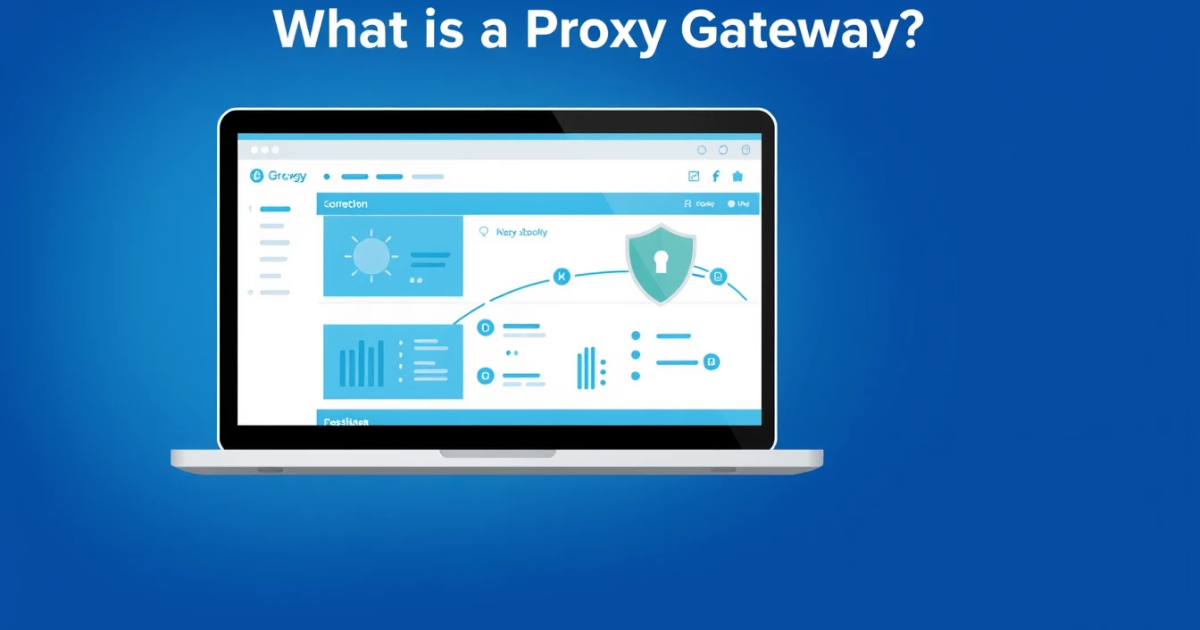
A proxy gateway is a dedicated server that acts as an intermediary between a user and the internet. It processes requests from clients, forwards them to web servers, and returns the responses back to the user. By utilizing a proxy gateway, users can enjoy benefits such as enhanced security, privacy, and better control over internet traffic.
How to Set Up a Proxy Gateway
Setting up a proxy gateway can seem daunting, but with the right guidance, you can have one up and running in no time. Here’s a straightforward setup guide:- Choose a Proxy Gateway Software: Select suitable software such as Nginx, Squid, or HAProxy for your needs.
- Install the Software: Follow the detailed instructions specific to your operating system (for example, using package managers like `apt` for Debian or `brew` for macOS).
- Configure the Proxy: Set the configuration file to define parameters such as IP filters, port numbers, and load balancing rules. Refer to project-specific documentation.
- Enable User Authentication (if needed): Implement username/password authentication to restrict access to authorized users.
- Test Your Setup: Send requests through the proxy to confirm it works by checking the returned IP addresses or log files.
- Monitor Traffic: Use logging tools or monitoring software to keep an eye on your traffic and performance.
Common mistakes to avoid include misconfiguring server ports, neglecting proper user authentication, or using insufficient hardware resources. Re-check configuration files and testing methods after the setup.
Error Troubleshooting for Proxy Gateways
Encountering issues with your proxy gateway is common. Here are some common errors, their causes, and solutions:Common Error: 502 Bad Gateway
This error suggests that the gateway is having trouble connecting to the upstream server.
- Cause: The upstream web server is down or the configuration is incorrect.
- Fix: Check the health of the upstream server and ensure your proxy settings correctly point to the right IP or hostname.
Common Error: Connection Timed Out
This indicates that the client could not connect to the proxy or upstream server successfully.
- Cause: Network issues or firewall settings blocking connections.
- Fix: Ensure that necessary ports are open and that firewalls are configured correctly. Use tools like `ping` or `traceroute` to investigate network paths.
Common Error: Failed to Connect
In this situation, your application might not be able to establish a connection through the proxy.
- Cause: Wrong server configurations or proxy type errors.
- Fix: Double-check your application settings and the proxy server information.
To stop recurring issues, routinely review log data, audit your credentials, and test network settings.
Comparison: Proxy Gateway vs. Forward Proxy vs. Reverse Proxy
While proxy gateways serve distinct functions in managing traffic, it’s crucial to distinguish among them based on key characteristics.| Proxy Type | Best for | Cost | Speed | Block Risk | Session Control |
|---|---|---|---|---|---|
| Proxy Gateway | Enterprise applications needing control | $ (variable) | High | Medium | Yes |
| Forward Proxy | Anonymous browsing | Low to Medium | Medium to High | High | No |
| Reverse Proxy | Load balancing for multiple servers | $ (variable) | Very High | Low | Yes |
In terms of making a choice: if your needs involve securing multiple applications, go with a proxy gateway. If anonymity is your priority, consider a forward proxy. For load management, a reverse proxy is best.
Choosing the Best Proxy Type for Your Gateway Needs
When selecting a proxy gateway, several critical factors come into play:- Purpose: Define what you want to achieve—security, anonymity, or resource optimization.
- Protocol Support: Ensure the gateways you’re considering support your necessary protocols (HTTP, HTTPS, SOCKS).
- Cost Considerations: Evaluate pricing plans, with options going from residential proxies priced around $0.80 per GB down to $0.20 per GB for larger plans, making it feasible based on your usage needs.
Avoid unsupported configurations, insecure connections, or locations with high latency penalties. Consider how these factors can impact your project's objective.
Use Cases for Proxy Gateways
A proxy gateway can be crucial in various scenarios where secure connections and data management are primary factors:- Corporate Network Access: Businesses often use proxy gateways to permit secure internal access while restricting unauthorized internet browsing.
- Application Load Balancing: If you manage several servers, a proxy gateway can help by effectively distributing requests among servers, reducing bottlenecks.
- Enhanced Internet Security: Sensitive connections, such as during online transactions, can benefit from the additional security provided by a proxy gateway.
When integrating a proxy gateway in system architectures, it’s essential to ensure compliance with relevant regulations and establish responsible usage practices regarding bandwidth usage and data security.
Frequently Asked Questions
What is a proxy gateway?
A proxy gateway is a server that helps manage traffic, acting as an intermediary between the user and the internet, providing security and enabling better network management.
What’s the difference between a proxy server and a proxy gateway?
A proxy server is a general term that refers to a server that relays requests, whereas a proxy gateway typically includes added functionality focused on controlling traffic or securing connections.
Can I use a proxy gateway for secure web browsing?
Yes, proxy gateways can enhance secure web browsing by providing encryption and masking your IP address while you navigate the web.
Why would a business use a proxy gateway?
Businesses use proxy gateways to ensure network security, manage resource allocation effectively, and maintain visibility over traffic, which is vital for corporate governance.
What types of proxy can be integrated with a gateway?
You can integrate residential proxies, datacenter proxies, mobile proxies, or ISP proxies, depending on your usage requirements and desired results.
Are there any risks with using a proxy gateway?
While proxy gateways offer many advantages, potential risks include improper configurations leading to security vulnerabilities, performance inconsistencies, and potential latency issues.
How can I ensure my proxy gateway is secure?
Regular updates, using strong authentication methods, auditing access logs, and employing best security practices can help secure your proxy gateway.
Can a proxy gateway improve my internet speed?
While a proxy gateway won't inherently increase your speed, it can help by reducing unnecessary traffic and managing bandwidth more effectively.
How do I test if my proxy gateway is working?
You can test its functionality by checking if it correctly forwards requests. Use networking tools to identify the IP addresses and ensure protection measures are active.
What is PinkProxies and how can it help with proxy gateways?
PinkProxies offers various proxy types suitable for creating efficient proxy gateways, allowing for customized setups based on your needs in managing internet traffic.
